


Install & First Launch
Download ARIA, install on Windows 11, and walk through the first-launch profile setup.
System requirements
Currently shipping: Windows 11. 8 GB RAM minimum, 16 GB recommended for SDL work. 2 GB free disk; more if you import medical records or download the full HPO/MONDO ontologies.
Other platforms
macOS and Linux availability depends on the current release. The download page lists the platforms shipping today — check there before installing rather than reading dated promises here.
Download
Download the installer from the release page. Checksum verification instructions are provided alongside the installer for the platforms currently shipping.
First launch
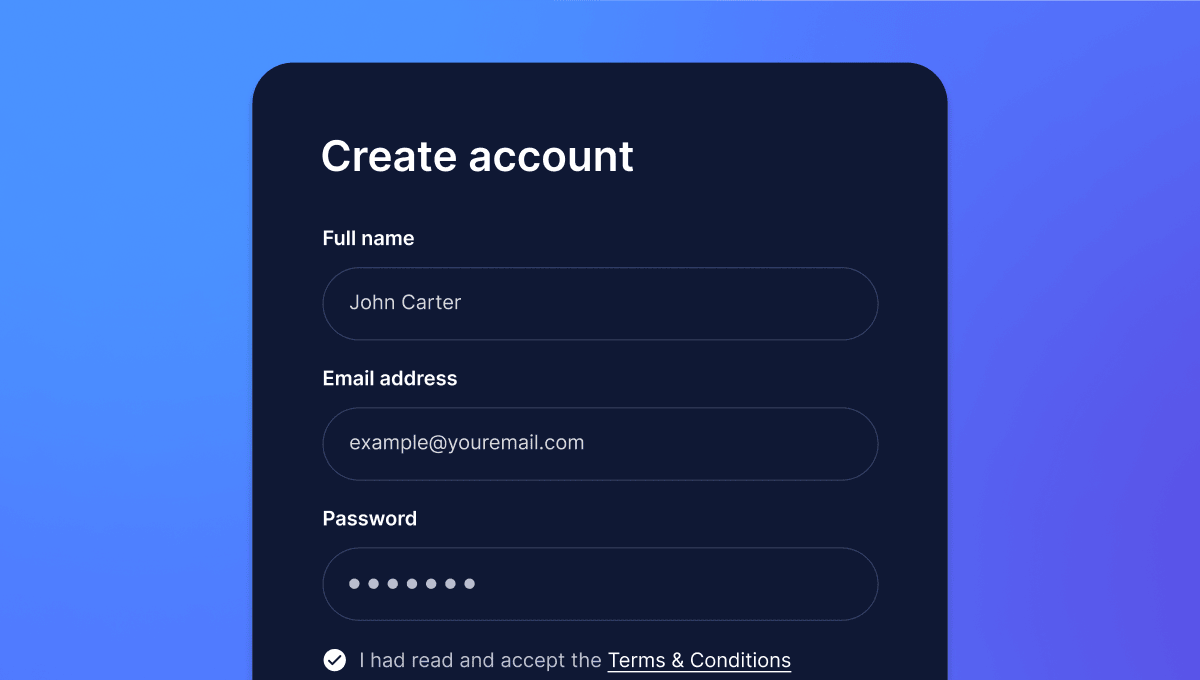
On first open you'll see a short profile setup: your name and your child's first name (first names only — ARIA is local and nothing leaves your machine), optional Google sign-in for calendar and email integration, and an optional PIN for destructive actions like deleting a device or resetting the ontology cache.
Sign-in is optional in the family default. The three-state authentication model (AUTH_OPTIONAL / AUTH_REQUIRED / SECURE_LOCKDOWN) is explained in Privacy & Safety.
What happens next
Take the first tour next, or jump straight to the Today Board if you want to see ARIA in action immediately.
- Your first tour — three-pane layout, pick your starting path
- Today Board — the default landing view
- Privacy & Safety — what stays local, backup and restore